Staff and POD administration for growing accounting teams
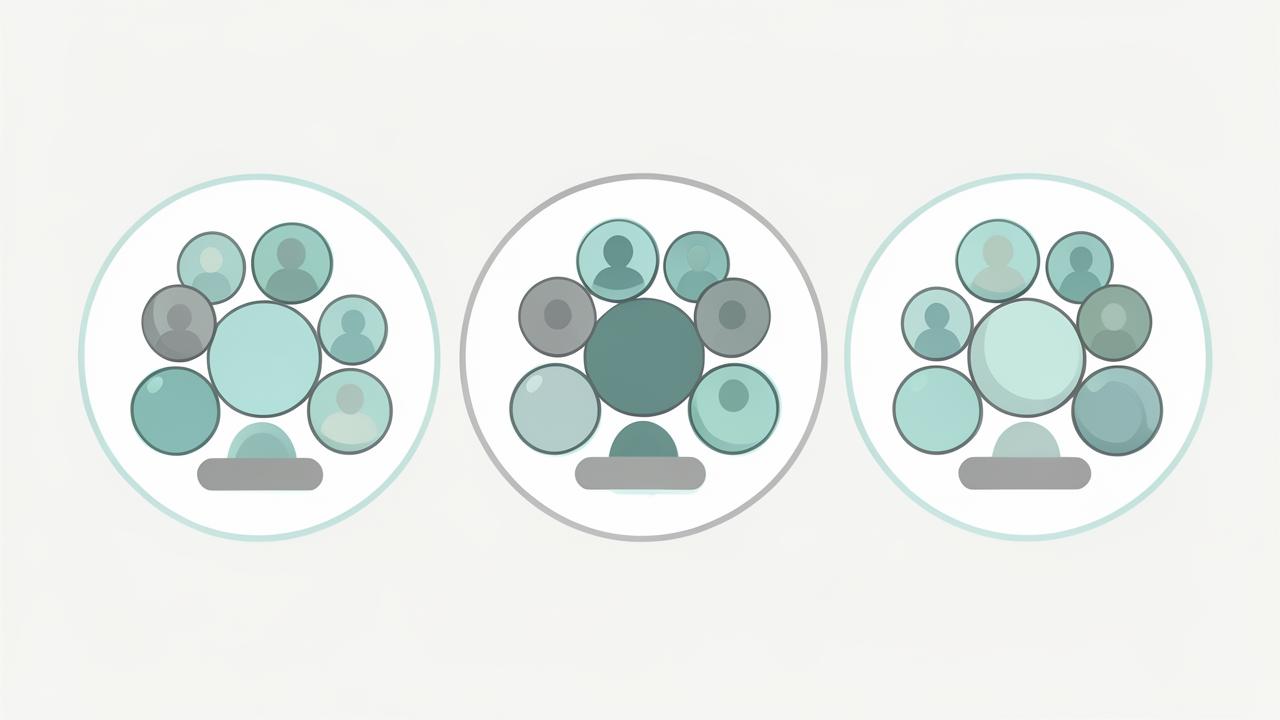
Group your team into PODs — small pods of preparers, reviewers, and admins who own a book of clients together — then manage assignments, capacity, and coverage from one screen.
- Create PODs with a lead, reviewers, preparers, and admin support
- Assign clients to a POD instead of a single person
- See workload and open work items per person and per POD
- Coverage rules so nothing stalls when someone is out
The POD model, supported in software
Firms that scale past a handful of staff stop assigning clients to individuals and start assigning them to pods. A POD owns a segment of the client base end to end: intake, document collection, preparation, review, and delivery. WeCloseBooks makes the POD a real object in the system, not a naming convention in a spreadsheet.
Because clients belong to a POD, permissions, dashboards, notifications, and reminders all inherit the right audience automatically. Add a preparer to the POD and they immediately see the right clients — nothing else.
Capacity you can see before it breaks
During February and March the question is never 'what is the process' — it is 'who is drowning'. Staff administration shows open work items, outstanding document requests, overdue follow-ups, and review queues by person and by POD, so partners can rebalance before a deadline is missed.
- Workload view by staff member, POD, and engagement type
- Reassign a client or a single work item without losing history
- Out-of-office coverage so requests route to a teammate
- Seasonal staff added to a POD for the duration of the engagement
Administration without partner bottlenecks
POD leads manage their own team membership and assignments within limits partners define. Firm administrators keep control of roles, permissions, and billing while day-to-day staffing decisions stay where the work is.
Frequently asked questions
- What is a POD in WeCloseBooks?
- A POD is a small service team — typically a manager, preparers, and an admin — assigned to a shared book of clients so ownership of every engagement is unambiguous.
- Can I move a client between PODs mid-season?
- Yes. Reassign the client and the open work items, documents, and client communications follow the new POD without losing history.
- How do I see whether a team is overloaded?
- POD-level views show open work items, outstanding document requests, and approaching deadlines per team so you can rebalance before a deadline slips.
See staff & pod administration in your firm
Book a 15-minute walkthrough and we will show this working on engagements that look like yours.
Book a demoExplore more capabilities
Every partner, manager, preparer, admin, and client signs in through one secure, auditable identity layer — with single sign-on, multi-factor authentication, and controlled onboarding and offboarding of staff.
RBAC/PBAC & PermissionsDefine exactly what each role can see and do — then layer policy rules on top so access follows the client, the entity, the pod, and the engagement rather than one flat permission list.
Client & Household ManagementLink spouses, dependents, trusts, partnerships, and closely held companies into a single household so your team sees the whole relationship instead of six disconnected client records.
Ignition, Karbon, JotForm & Dropbox IntegrationsWeCloseBooks connects to the stack your firm already runs: proposals from Ignition, work and clients from Karbon, intake responses from JotForm, and document storage in Dropbox.