
AI tax return extraction from prior-year PDFs
Drop in a prior-year return PDF and AI extracts the forms, schedules, income sources, carryforwards, and K-1 detail into structured data your team can review and use.
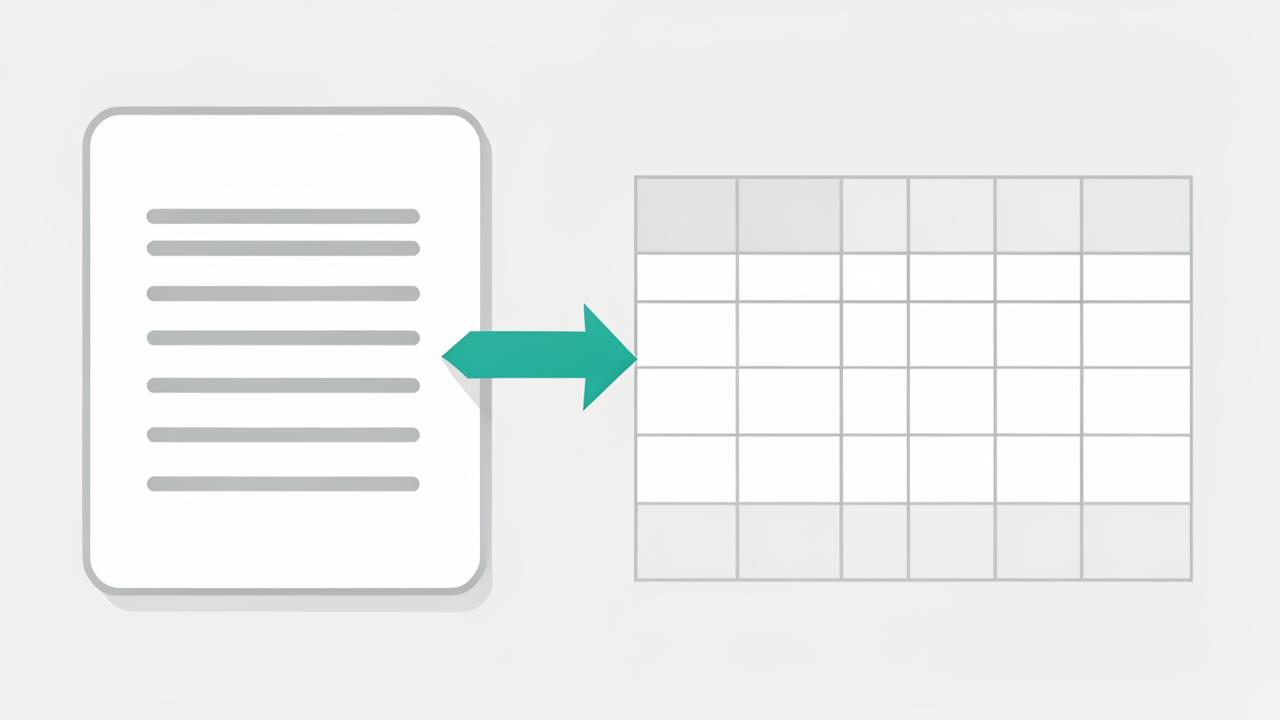
- Reads 1040, 1120, 1120-S, 1065, and 1041 returns with schedules
- Captures carryforwards, basis, and depreciation detail
- Builds the expected-document list for the current year
- Field-level confidence with the source page one click away
New clients arrive as a 90-page PDF
Onboarding a new client means reading their last return: which entities are involved, which states they file in, what income sources recur, what carryforwards exist, what depreciation schedules must continue. Done by hand, that is an hour of senior time per client, and it is exactly the work that gets skipped when the calendar is full.
AI extraction turns that PDF into structured data in minutes — forms present, schedules attached, income sources itemized, K-1 issuers named, carryforwards captured.
Extraction that drives this year's work
Extracted data is not a report that sits in a folder. It becomes the current-year document checklist, feeds the AI gap review, and gives the intake questionnaire a prior-year baseline to compare against.
- Expected documents generated from last year's income sources
- Multi-state filing requirements surfaced automatically
- K-1 issuers listed so the firm knows what to wait for
- Entity relationships suggested for household linking
Verifiable, not a black box
Every extracted value carries a confidence score and a link to the exact page and line it came from. Reviewers confirm or correct on one screen, and corrections are retained so the same client's next return is handled more accurately.
Frequently asked questions
- Which documents can be extracted?
- Prior-year returns and common source documents including W-2s, 1099s, K-1s, and brokerage statements, with figures mapped to the right fields.
- How accurate is the extraction?
- Extracted values are shown side by side with the source page so a preparer can confirm each figure. Low-confidence fields are flagged instead of accepted silently.
- Does extraction save real preparation time?
- It removes most manual retyping of prior-year and source-document figures, which is where avoidable keying errors usually enter a return.
See ai tax return extraction in your firm
Book a 15-minute walkthrough and we will show this working on engagements that look like yours.
Book a demoExplore more capabilities
Every partner, manager, preparer, admin, and client signs in through one secure, auditable identity layer — with single sign-on, multi-factor authentication, and controlled onboarding and offboarding of staff.
RBAC/PBAC & PermissionsDefine exactly what each role can see and do — then layer policy rules on top so access follows the client, the entity, the pod, and the engagement rather than one flat permission list.
Staff & POD AdministrationGroup your team into PODs — small pods of preparers, reviewers, and admins who own a book of clients together — then manage assignments, capacity, and coverage from one screen.
Client & Household ManagementLink spouses, dependents, trusts, partnerships, and closely held companies into a single household so your team sees the whole relationship instead of six disconnected client records.