
Client import and data reconciliation without the cleanup project
Bring your whole client base in from spreadsheets and connected systems, then reconcile duplicates, mismatched entity names, and missing contacts with guided side-by-side matching.
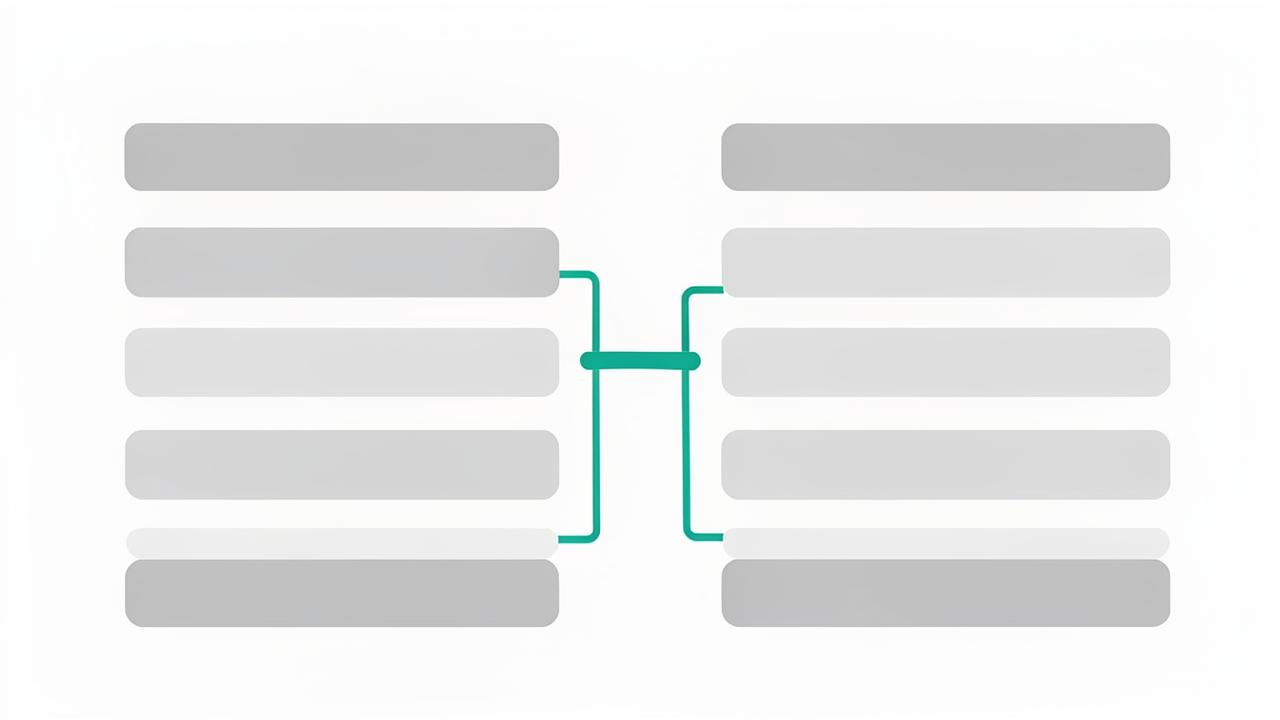
- CSV and Excel import with column mapping you control
- Import from Karbon and Ignition without creating duplicates
- Fuzzy matching that catches 'Smith & Co' vs 'Smith and Company'
- Review-before-commit so bad data never lands in production
Getting started should take an afternoon
The reason firms stall on new software is migration. WeCloseBooks assumes your client data lives in several places at once: a practice management system, a tax program export, an Excel workbook a partner maintains, and a few hundred contacts in Outlook. Import handles all of it, one source at a time, with column mapping you confirm before anything is created.
Reconciliation that respects accounting reality
Client data is messy in specific ways: the same entity spelled three ways, an individual who is also a partner in two LLCs, a trust named after a person, spouses entered as separate clients. The reconciliation screen shows candidate matches side by side with the differences highlighted, and you decide whether to merge, link into a household, or keep separate.
- Confidence-scored duplicate suggestions with the evidence shown
- Merge records without losing documents or history
- Link related entities into a household during import
- Flag incomplete records for follow-up instead of blocking the import
Ongoing, not one-time
New clients arrive through Ignition proposals, JotForm intake, and manual entry, so reconciliation never truly ends. WeCloseBooks keeps watching for probable duplicates as records are created and surfaces them for review, which keeps the client list clean through a second and third tax season.
Frequently asked questions
- Can I bulk import my client list?
- Yes. Import from a spreadsheet or pull clients directly from Karbon and Ignition, with field mapping you review before anything is created.
- What happens to duplicate clients?
- Reconciliation matches incoming records against existing clients and entities, flags likely duplicates, and lets you merge or keep them separate before import completes.
- Will importing overwrite data we already corrected?
- No. You choose field by field whether the source system or your existing record wins, and every import is logged so changes can be traced.
See client import & data reconciliation in your firm
Book a 15-minute walkthrough and we will show this working on engagements that look like yours.
Book a demoExplore more capabilities
Every partner, manager, preparer, admin, and client signs in through one secure, auditable identity layer — with single sign-on, multi-factor authentication, and controlled onboarding and offboarding of staff.
RBAC/PBAC & PermissionsDefine exactly what each role can see and do — then layer policy rules on top so access follows the client, the entity, the pod, and the engagement rather than one flat permission list.
Staff & POD AdministrationGroup your team into PODs — small pods of preparers, reviewers, and admins who own a book of clients together — then manage assignments, capacity, and coverage from one screen.
Client & Household ManagementLink spouses, dependents, trusts, partnerships, and closely held companies into a single household so your team sees the whole relationship instead of six disconnected client records.