Staff dashboard and client portal
Your team gets a prioritized dashboard of what needs attention today. Your clients get a branded portal that shows exactly what they still owe and lets them upload it in a minute.
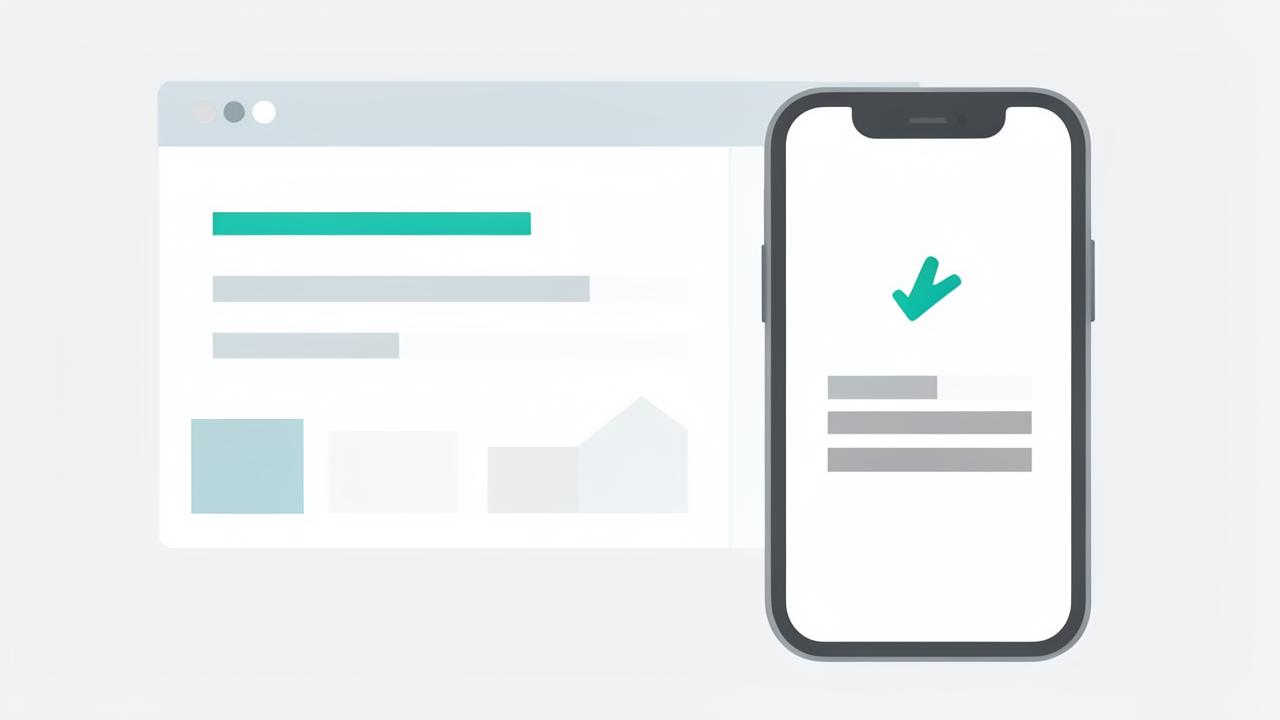
- Overdue-first dashboard filtered by POD, staff member, or deadline
- Every engagement's progress visible without opening it
- Branded client portal with one clear list of what is outstanding
- Mobile uploads by photo, with no app to install
A dashboard that answers 'what do I do next'
Most practice software answers 'what exists'. Staff need 'what is at risk'. The WeCloseBooks dashboard sorts by urgency: deadlines approaching, clients who have gone quiet, documents received and awaiting review, gap reviews ready to send, work items blocked on someone else.
Partners get the same data rolled up by POD and service line, so a Monday partner meeting takes minutes instead of a morning of report building.
A client portal clients do not complain about
The portal shows one thing above everything else: what this client still needs to send. No folder trees, no jargon, no navigation. Uploading is drag-and-drop on a laptop and a camera photo on a phone, and the status updates the moment a file lands.
- Your firm's name, logo, and colors throughout
- Secure access without a password to remember
- Progress indicator so clients can see they are nearly done
- Questionnaire, documents, and messages in one place
Communication with a record
Reminders sent, messages exchanged, files received, and questions answered are all recorded against the engagement. When a client says they sent something in February, the answer is in the timeline — not in someone's inbox.
Frequently asked questions
- What does the staff dashboard show?
- Who is behind, what is missing, which reminders have gone out, and which deadlines are at risk — prioritized so staff know what to touch first.
- Do clients need to install anything to use the portal?
- No. Clients open a secure firm-branded link and drag in their files. The portal works on mobile with no app to install.
- Can the client portal carry our firm branding?
- Yes. The portal uses your firm name and logo so client uploads feel like part of your practice rather than a third-party tool.
See staff dashboard & client portal in your firm
Book a 15-minute walkthrough and we will show this working on engagements that look like yours.
Book a demoExplore more capabilities
Every partner, manager, preparer, admin, and client signs in through one secure, auditable identity layer — with single sign-on, multi-factor authentication, and controlled onboarding and offboarding of staff.
RBAC/PBAC & PermissionsDefine exactly what each role can see and do — then layer policy rules on top so access follows the client, the entity, the pod, and the engagement rather than one flat permission list.
Staff & POD AdministrationGroup your team into PODs — small pods of preparers, reviewers, and admins who own a book of clients together — then manage assignments, capacity, and coverage from one screen.
Client & Household ManagementLink spouses, dependents, trusts, partnerships, and closely held companies into a single household so your team sees the whole relationship instead of six disconnected client records.